

Import Your Ledger Device
How to connect a Ledger hardware wallet to the Solflare browser extension over USB, choose a derivation path, and enable blind signing for Solana.
You can connect a Ledger hardware wallet to the Solflare browser extension over USB. Your private keys stay on the Ledger, and you must approve every transaction on the device. Solflare shows the Ledger's Solana accounts and lets you send, stake and swap from them.
Before you start
Install the Solflare extension from the Chrome Web Store, or from the download page for other browsers.
A Ledger device that is already set up, with the Solana app installed. To set one up, follow How to generate a wallet with a Ledger device using Ledger Live.
The latest Ledger firmware and Solana app version.
A SOL balance on at least one Ledger account.
The original USB cable. If the connection fails, try another USB port.
Step 1: Connect and unlock your Ledger
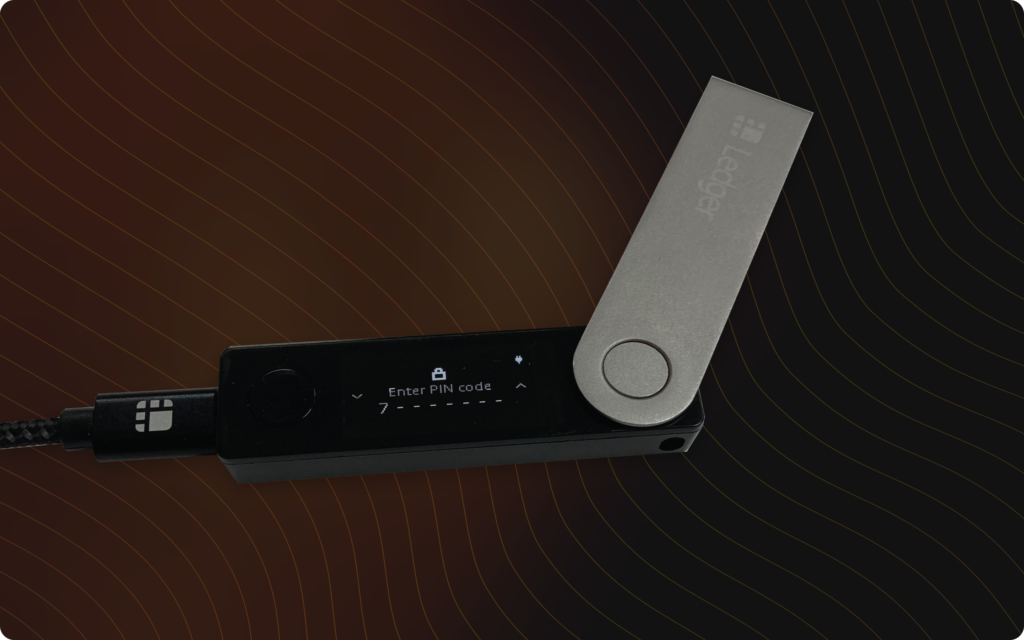
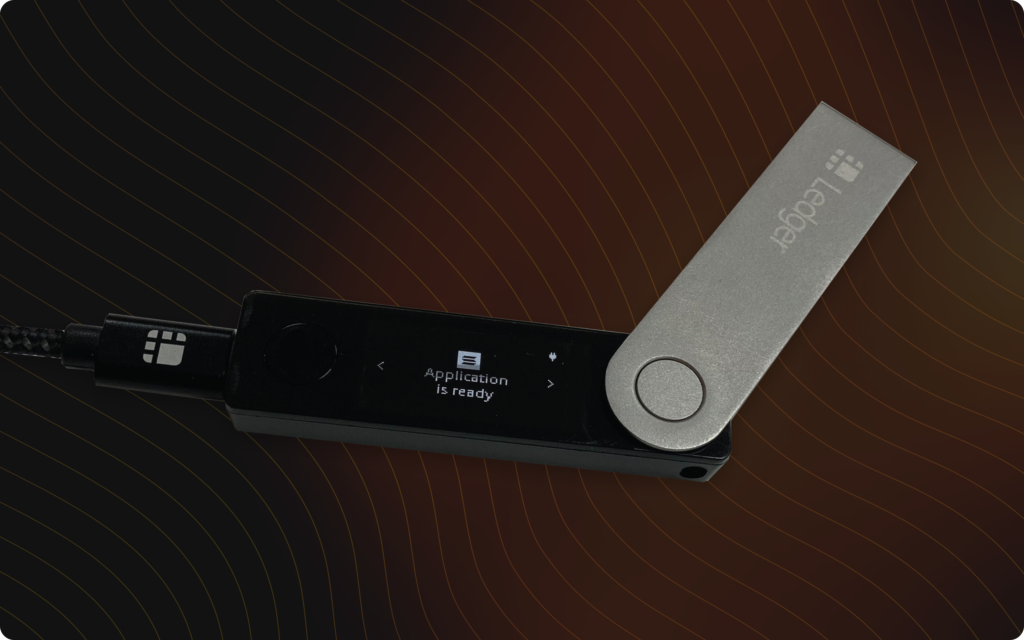
Connect the Ledger to your computer over USB, enter your PIN, and open the Solana app. The screen shows Application is ready.
Step 2: Choose Ledger in Solflare
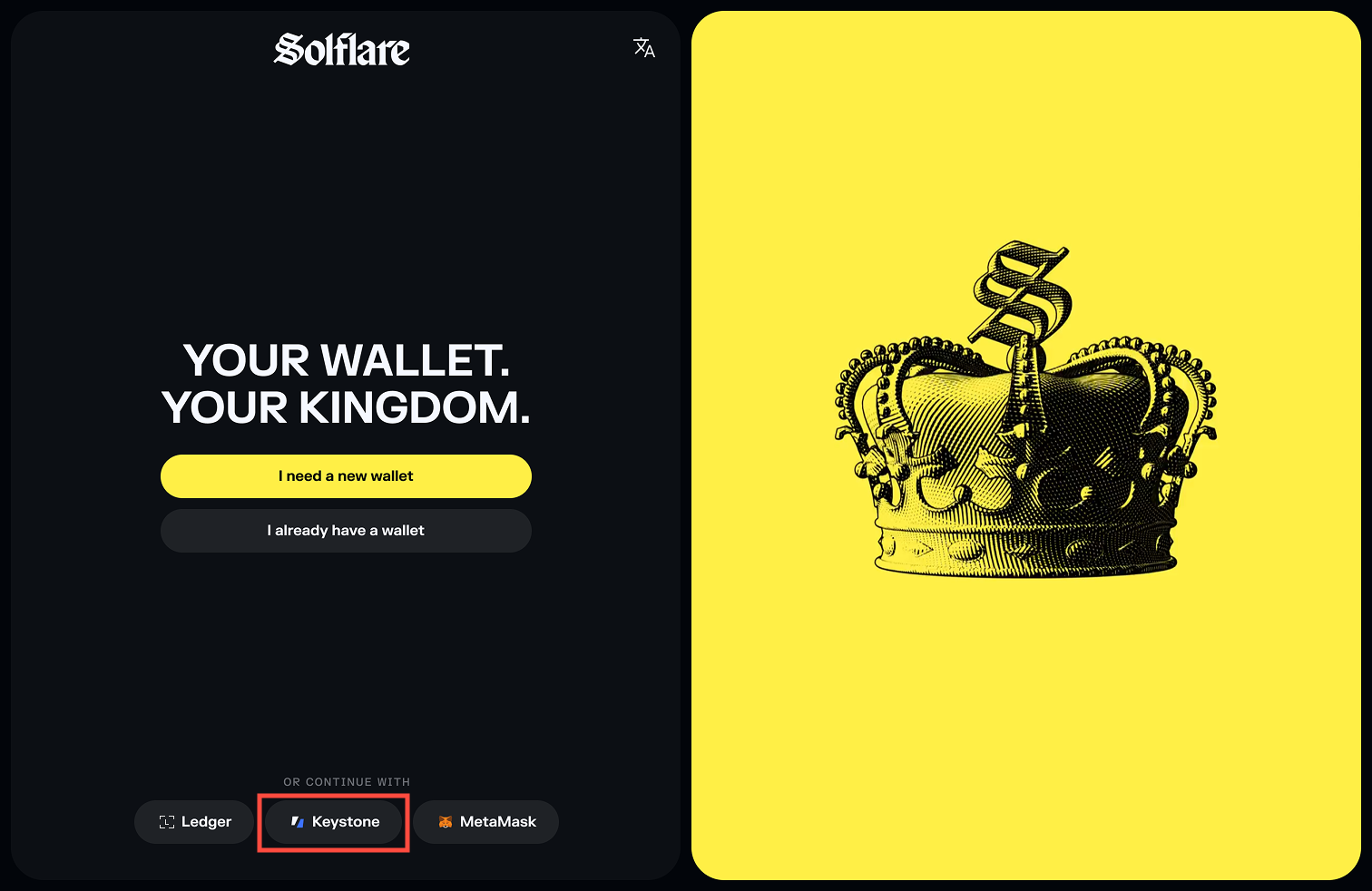
New to Solflare: open the extension and, under Or continue with, choose Ledger.
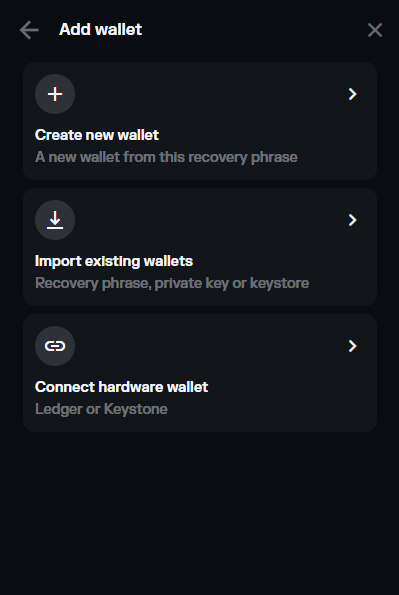
Already using Solflare: click your profile icon, click + Add wallet, then Connect hardware wallet and choose Ledger.
Keep the Solana app open on the Ledger and click Continue.
Step 3: Allow the browser connection
Your browser asks to connect a device to Solflare. Select your Ledger and click Connect.
Step 4: Choose a derivation path
Solflare fetches the accounts on your Ledger. Select the derivation path that holds your SOL and click Continue. If you do not see your funds, go back and try another path. See Can I import wallets from multiple derivation paths?
Step 5: Enable blind signing on the Ledger
Blind signing must be on for the Ledger to sign SPL token transfers and smart contract transactions on Solana.
On the unlocked Ledger, open the Solana app.
Press the right button to go to Settings, then press both buttons.
At Allow blind sign, select Yes and press both buttons.
Ledger's instructions are in Allowing blind signing in the Solana (SOL) app.
You're all set
Your Ledger accounts are now in Solflare. For a simpler tap-to-sign option made for Solflare, see Solflare Shield. Having trouble? See How to connect your Ledger account to Solflare or contact 24/7 support.
Last updated
Was this helpful?